





Printing on metallic substrates requires a different approach than standard white paper. Here is the technical guide to getting a flawless finish.
For graphic designers and print buyers, understanding the technical nuances of Silver Stickers is the key to avoiding costly errors. At Stickerforgeco, we combine advanced printing technology with expert prepress support to ensure your designs look exactly as you envisioned.
Here is your technical guide to ordering Silver Stickers.
1. The Material Difference: Why 300 DPI?
Silver metallic film is unforgiving. Unlike matte paper which can hide minor imperfections, a reflective silver surface acts like a magnifying glass for low-resolution artwork.
🎯 The Standard: We require 300 DPI (minimum) to ensure crisp edges.
🚫 The Risk: Low-res (72 DPI) images will look pixelated and blurry on metal.
🎨 Color Mode: Always design in CMYK. RGB colors will shift unexpectedly.
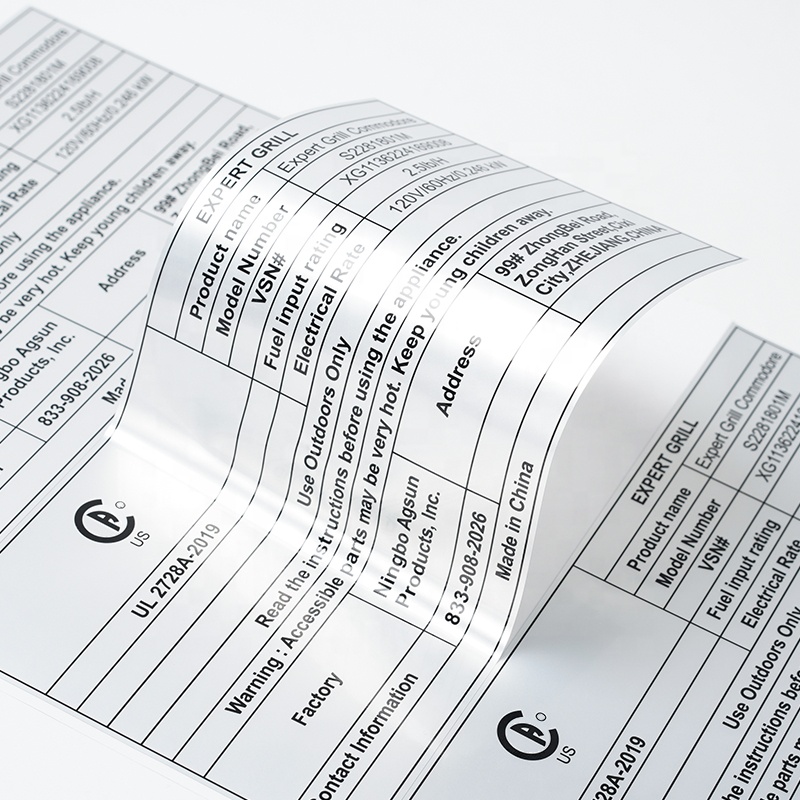
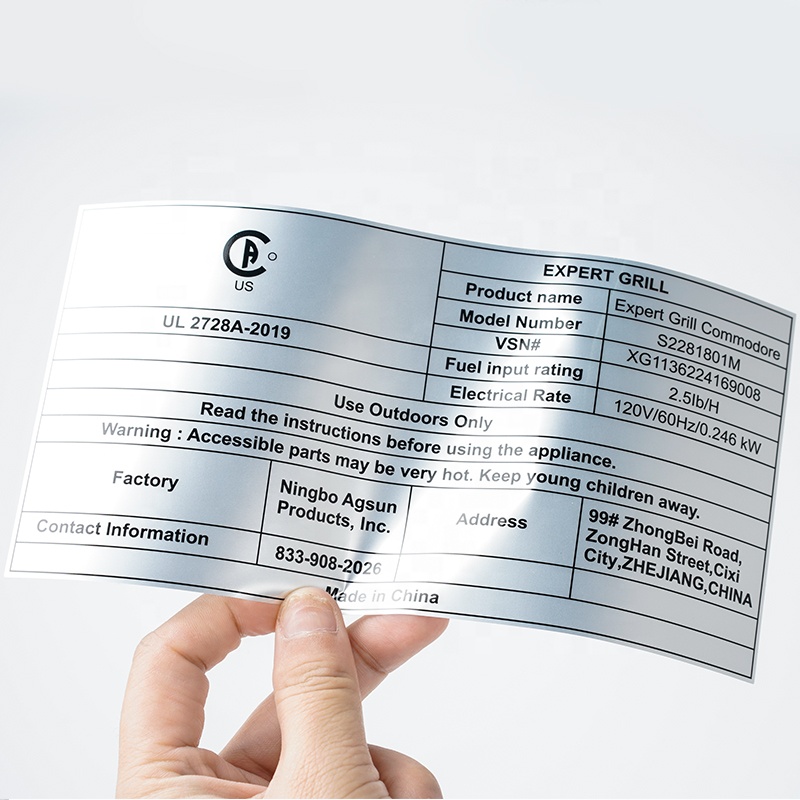
2. The Secret Weapon: White Ink Underlay
This is the most critical concept. Standard inks are semi-transparent. When printed directly on silver film, the metallic finish shines through the ink, giving you a "metallic color."
But what if you want opaque colors?
We use White Ink. By printing a layer of white ink underneath your colored design, we block the metallic shine.
Pro Tip: Use this to create contrast—matte text on a shiny silver background looks incredibly professional.
3. Precision Cutting & Layer Setup
To get the perfect shape, organize your file (AI, PDF, or PSD) with these three rules:
Bleed Area
Extend background artwork 0.125” (1/8”) beyond the trim line. This prevents thin white edges if the cut shifts slightly.
Cut Path
Create a separate layer with a 1-pixel stroke to define the exact shape. Keep this path clean and simple.
Safety Margin
Keep critical text and logos at least 0.125” inside the cut line to ensure nothing gets trimmed off.
Workflow: From File to Delivery
File Review
Our pre-press team checks your bleed, resolution, and cut paths. If we find errors, we fix them for free.
Production & QC
We use precision lasers to cut tight corners ($0.04”$ radius) and manually inspect for color accuracy.
Global Delivery
Partnered with mainstream logistics for a fast 9-day delivery cycle worldwide.
Start Your Project with Confidence
Avoid the guesswork. Upload your artwork today and let our experts handle the technical details.
No design file? Contact us for free assistance.
 +8618128095554
 sales@stickerforgeco.com
 +8618128095554